Verso One 1.0.0Coming soon.
Your files.One place.
Documents, spreadsheets, slides, 3D, video and music. Open, edit and convert them on your computer.
Free to start, no account needed. Download available at launch.


Inside Verso One
Pick an editor to explore.
Your ideas,
on the page.
Open your Word document, keep writing and save your changes in the same place.
Film ideas.docx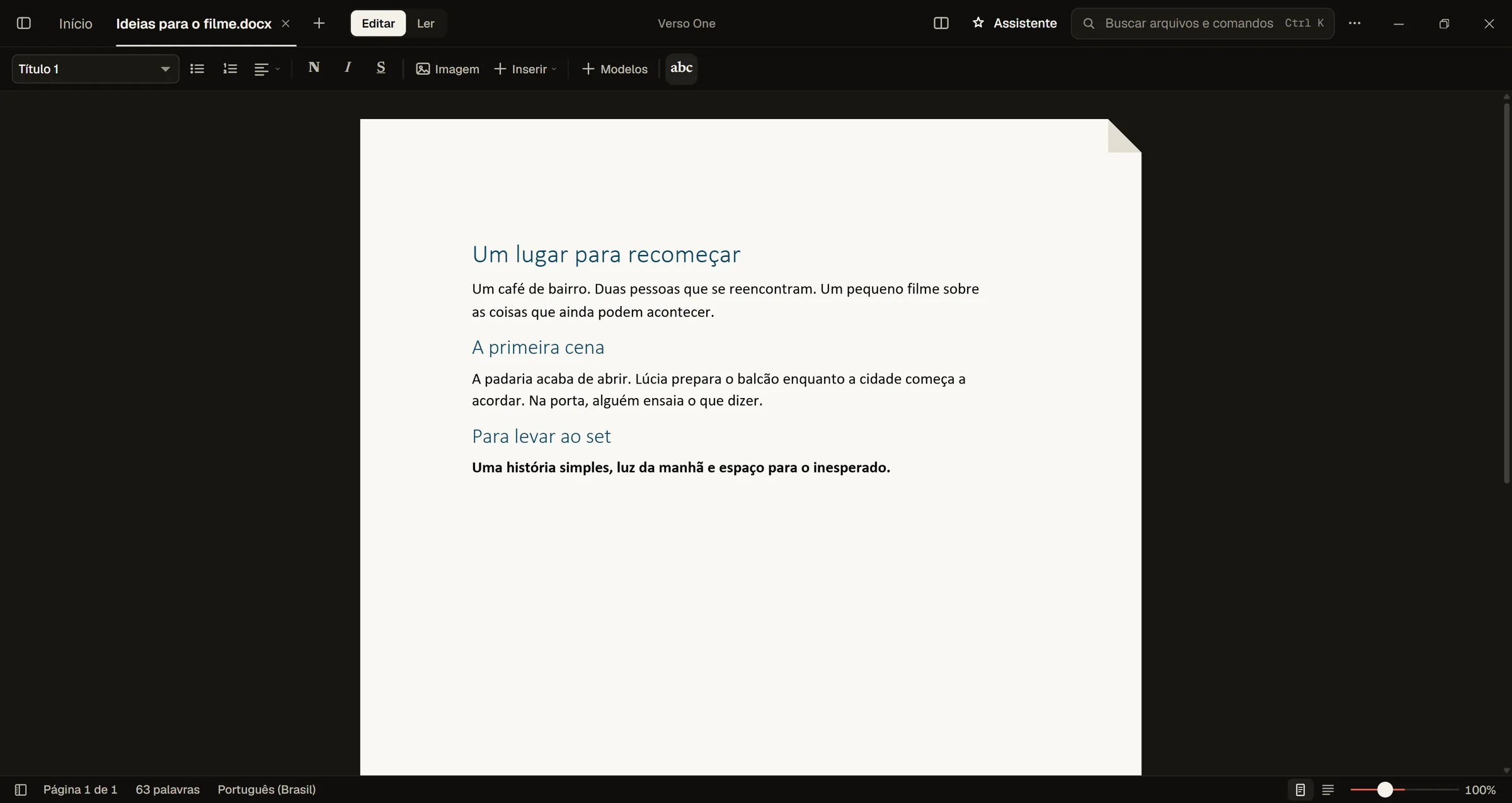
The image didn't load. The editor description is still next to it.
Numbers that
keep up.
Change a value and the total updates. Sort, filter and work with your spreadsheets in the same app.
Short film budget.xlsx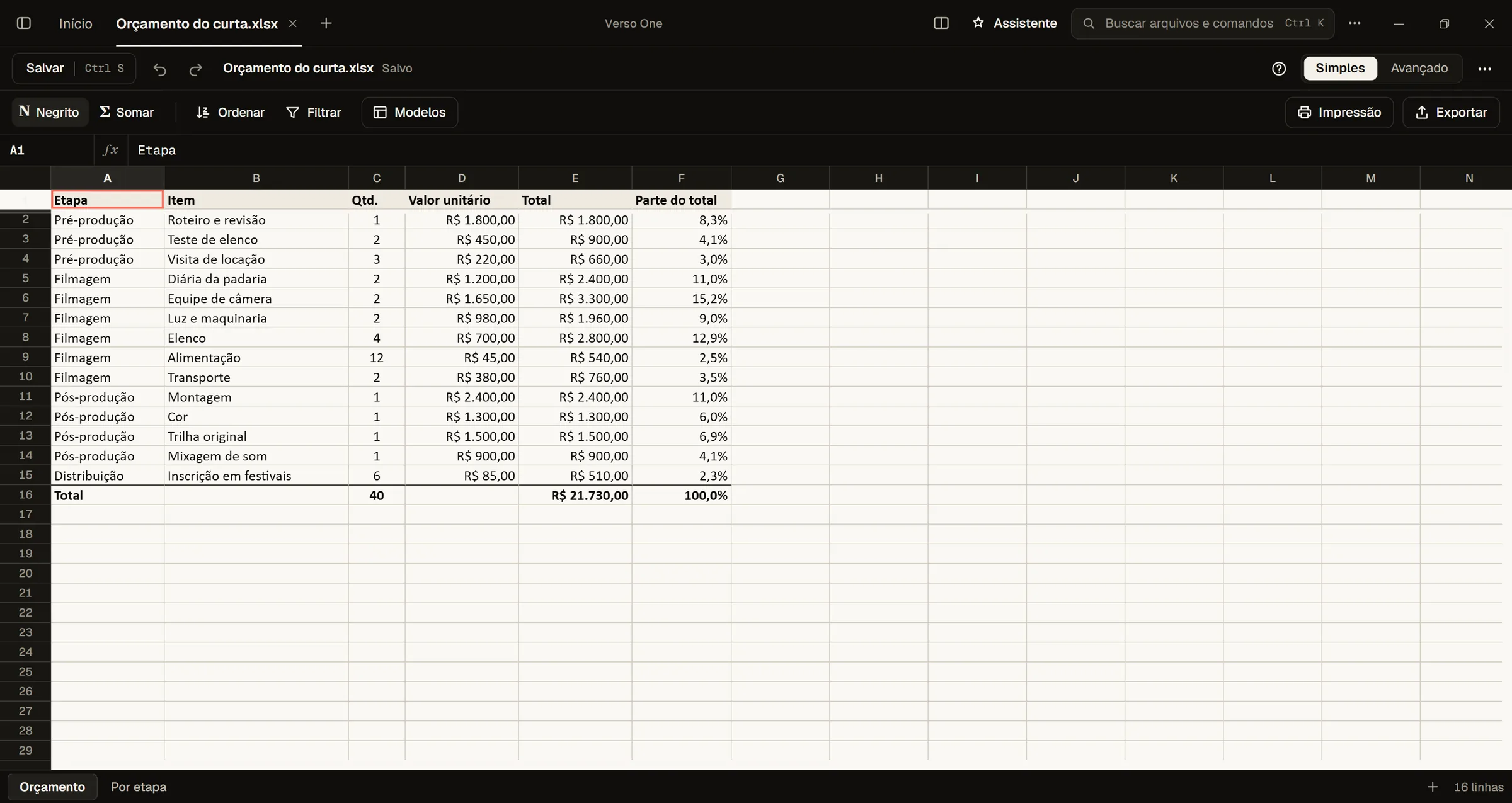
The image didn't load. The editor description is still next to it.
Shape your
next idea.
Open your slides, adjust the content and switch to presentation mode. All in the place where you already work.
example.pptx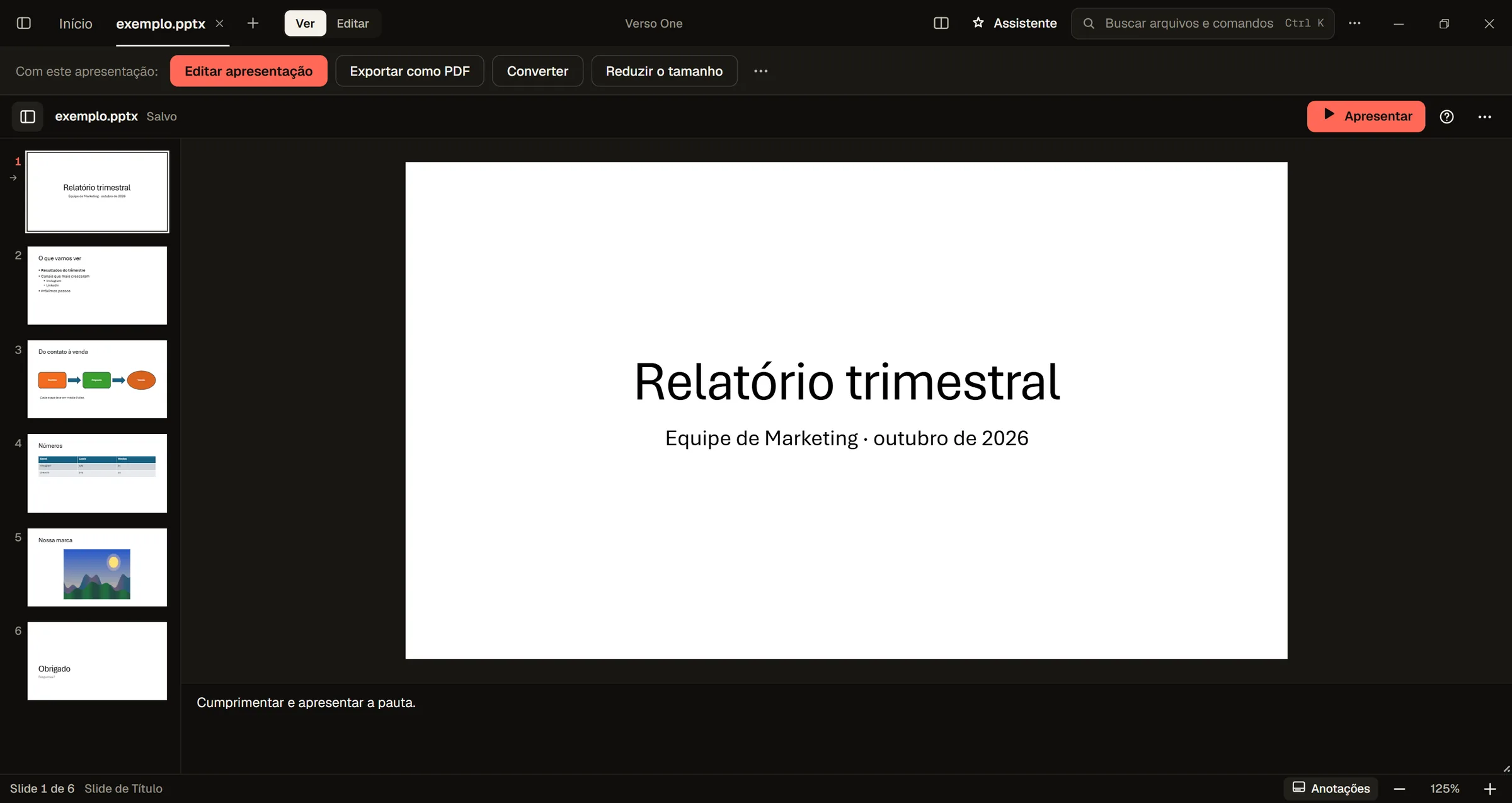
The image didn't load. The editor description is still next to it.
See it from
another angle.
Turn the model, zoom in on the details and change the color of each part. 3D files have a home here too.
animated-scene.glb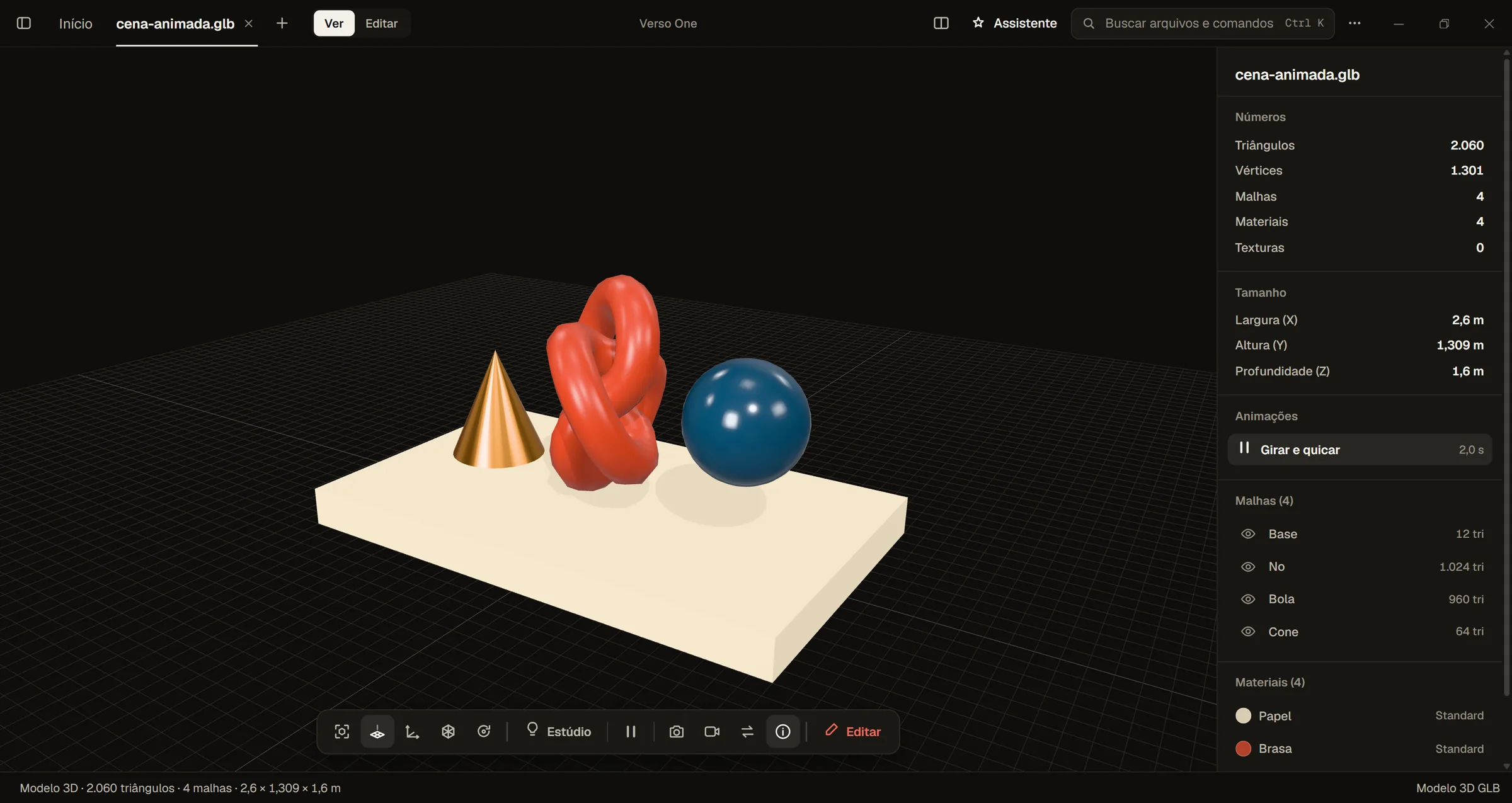
The image didn't load. The editor description is still next to it.
Give your story
its rhythm.
Arrange the scenes, cut what you don't need and export the result as MP4. From the first shot to the last frame.
A place to start over.vvideo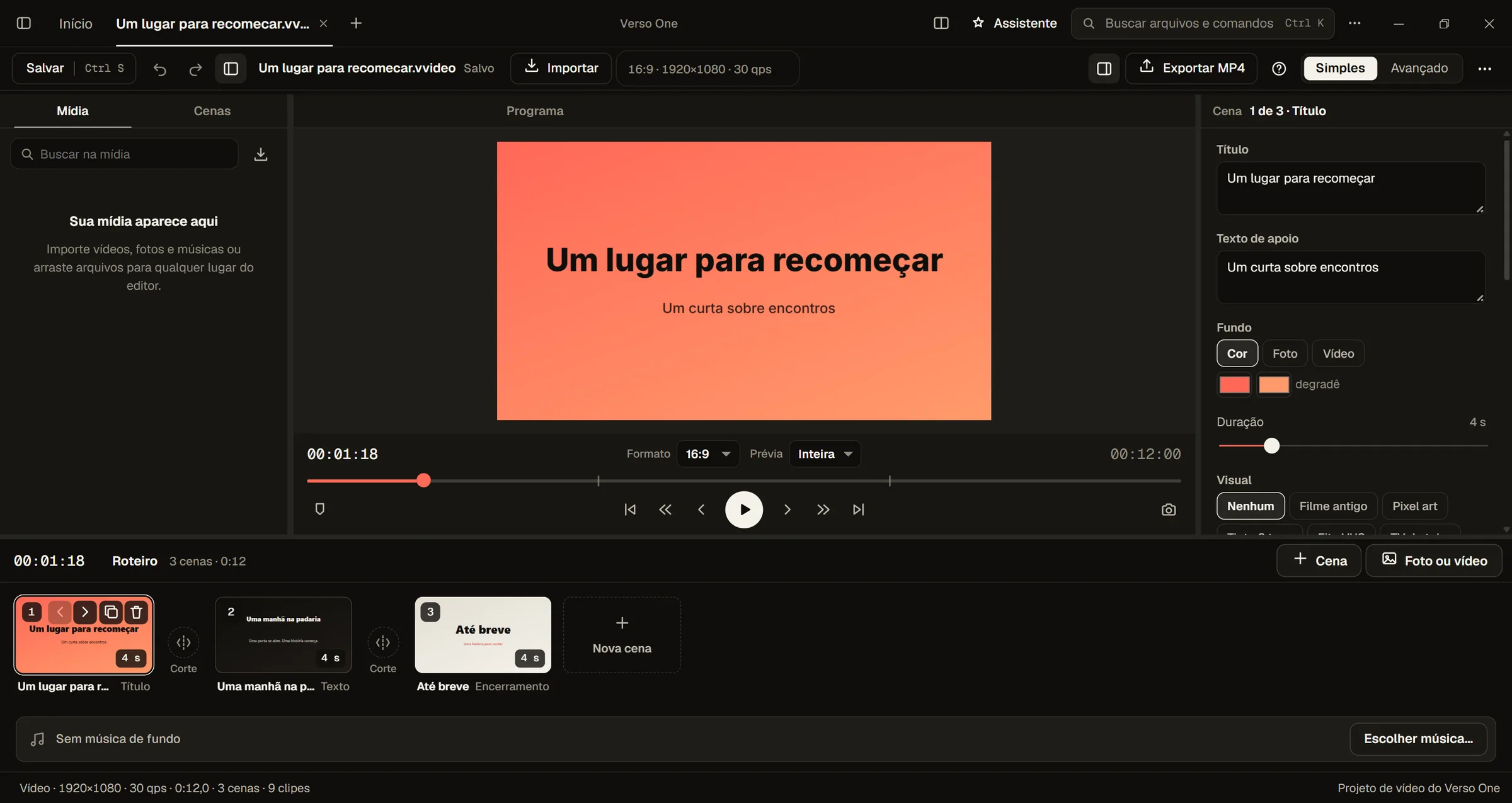
The image didn't load. The editor description is still next to it.
Your work
can have sound.
Pick a style and a mood to compose a track with drums, chords, bass and melody.
music.vmusic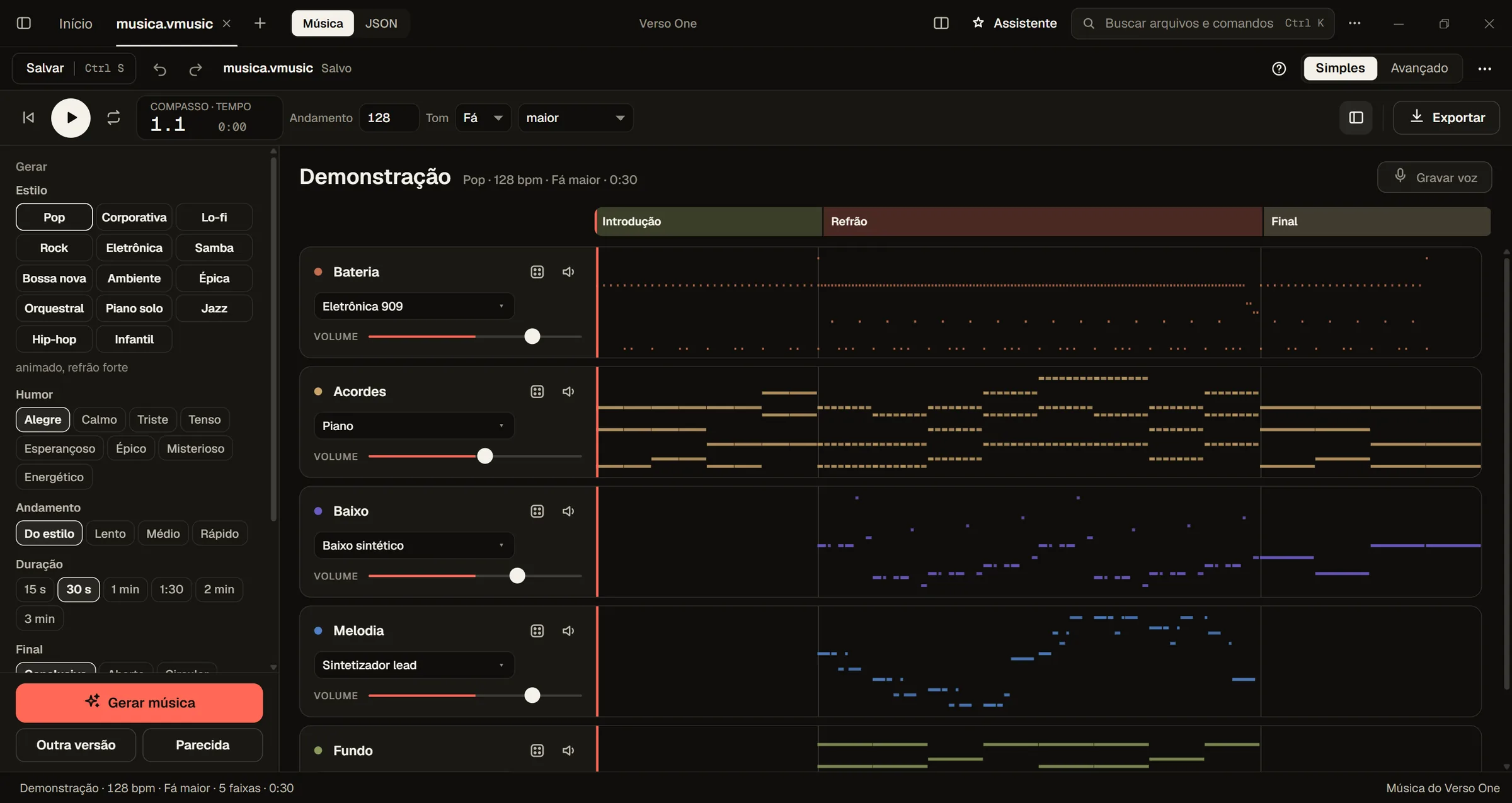
The image didn't load. The editor description is still next to it.
Real screenshots from the version in development. The free and Pro features of 1.0.0 are still being prepared.
Formats
More than 700
file types.
From a Word document to a 3D model, from a phone video to an ebook. What you can do depends on the format: Verso One shows the options for each file.
 DocumentsDOCX · ODT · RTF · Pages
Read and edit Word documents. DOCX and ODT export to PDF, EPUB, Markdown or plain text.
 SpreadsheetsXLSX · ODS · CSV · XLS
View, edit and recalculate, and move your data to another format.
 PresentationsPPTX · ODP · PPT
Open, adjust and present, and export to PDF.
 PDFPDF · XPS · DjVu
Read and convert. PDF and XPS files can become Word documents.
 ImagesJPG · PNG · HEIC · WebP · RAW
View, make them smaller and convert to PNG, JPEG, WebP or AVIF.
 VideoMP4 · MOV · MKV · AVI
Watch, edit in the video editor and export.
 AudioMP3 · WAV · FLAC · M4A
Listen, shrink and convert.
 3DGLB · OBJ · FBX · STL
Spin, measure and convert models.
 BooksEPUB · MOBI · CBZ
Read and convert.
 Code and text100+ languages
Open and edit with syntax highlighting.
 ArchivesZIP · 7Z · RAR
See what's inside, extract and compress.
 SubtitlesSRT · VTT · ASS
Edit and convert.
 Diagramsdraw.io · Excalidraw · Mermaid
Open and edit.
 Fonts, data and emailsTTF · SQLite · EML
See what's inside without another program.
Tools
What you do
every day.
Everyday jobs that usually need a separate program each, now together in one app.
- Record your screenFounderScreen, camera or both, with sound.
- Capture and mark upFounderA screenshot with arrows, text and shapes.
- ConvertTo another format. The original stays untouched.
- Free up spaceShows what is filling your disk and safely clears out the junk.
- Shrink file sizeA smaller photo, audio file or PDF, saved as a copy next to the original.
- Compare two filesSee what changed from one version to the next.
- Zip filesPuts a whole folder into one file.
- Use on your phoneSee your computer's files on an iPhone or Android phone, over your home network (Windows).
Your first step
Your everyday work.
On the free plan.
Open, write, organize. Version 1.0.0 will have a free version for everyday work. No account. No time limit.
Version 1.0.0 is in closed testing (alpha). The public download is not available yet.
- Documents, spreadsheets and presentations.Editing and saving are part of the planned free version of 1.0.0 too.
- Files in order. Formats sorted.Open files, organize your folders and do simple conversions, all in the same app.
- More features, when they make sense.Founder mode will be optional. You can stay on the free version.
The idea behind the name
Flip the page.
A document to edit. A PDF to send. A book to read. Pick a format and watch the page flip: the flip side is your new file.
A demo with a sample script. In the app, converting creates a new file and keeps the original.
An interactive demo with a sample file.
AI
Use it with the AI
you already have.
Connect Claude Code or Codex to Verso One. They read, edit, convert and create files through the app running on your computer. You make the connection. Verso One never starts an AI on its own.
Available with Founder and Teams, using the AI subscription you already have. Verso One does not charge for AI. Verso One's own AI comes later, as an optional separate service.
claude mcp add versoone -- "…\VersoOne.exe" --mcp versoone-mcpThen just ask: "convert this video to MP4", "summarize the open spreadsheet". The step-by-step guide is in How to (F1) in the app.
Your files.
Your computer.
Write, edit, experiment. The work on your files happens locally, with no need to upload them to a conversion website.
- A file stays your file.It stays in your folders. You choose where to save it and who to send it to.
- Diagnostics you control.You can check the information before you send an error report.
- Online only when the task needs it.The paid version will have an account and license activation. Downloads, license checks and online services need an internet connection.
For those who want to go further
Like Verso?
Help us build more.
Founder mode gives you the Pro features and supports development, in one purchase. It's a possible next step once you know the app. So is staying on the free version.
Coming soon. The purchase isn't open yet. When it opens, you will pay through our reseller, Paddle.
Verso One / 1.0.0
Founder mode
US$29
one-time payment, tax included
Pro features on 3 computers and lifetime updates, limited to 500 seats. 7 days to change your mind and get everything back: refund policy and terms.
Learn about Founder| Free | Founder | Teams on Windows for now | |
|---|---|---|---|
| Price | US$0, no time limit | US$29, one-time | Per person, on request |
| Account | Not needed | Yes, to activate the license | An admin invites the team with a code |
| Open, organize and do simple conversions | Yes | Yes | Yes |
| Edit and save documents, spreadsheets and presentations | Yes | Yes | Yes |
| Pro features | No | Yes: studios, screen recording, subtitles, AI and code | Yes, for each person |
| Updates | Free version updates | Lifetime, limited to 500 seats | Every version while you are on the team |
| Use with Claude or Codex | No | Yes | Yes |
Sales are handled by our reseller, Paddle, which takes care of payment and the receipt. Nothing is sold on this page. For teams and companies: contato@efficier.com.
Before you
start.
Can I use it for free?
Yes. Version 1.0.0 is being prepared with a free version that needs no account and has no time limit. You will be able to open and organize files, edit and save documents, spreadsheets and presentations, and do simple conversions. The public download is not available yet.
How much does Founder cost?
Founder mode costs US$29, as a one-time payment with tax included. It unlocks the Pro features on 3 computers, with lifetime updates, and it is limited to 500 seats. The purchase opens soon, through our reseller, Paddle, with 7 days to change your mind and get everything back. Free use does not depend on this purchase.
Can I use version 1.0.0 yet?
Not yet. We are in closed testing (alpha). The public download is on hold for now. That does not change the free version planned for launch.
Do I need internet?
Free use will be local, with no account. The paid features will have an account and license activation. Activation, license checks, downloads and online services need internet.
Can my company use it?
Yes. With the Teams license, one admin invites colleagues with a code. Each person activates it on their own computer and gets the Pro features and every version while they are on the team. The price is per person, on request.
Does it work with Claude or Codex?
Yes, with Founder and Teams. With one command in the terminal, Claude Code or Codex can use the Verso One running on your computer to read, edit, convert and create files, using the AI subscription you already have. Verso One's own AI comes later, as an optional service.
Which computers does it run on?
Verso One is built for Windows 10 and 11, macOS 11 or newer and 64-bit Linux. The installers and the final requirements for 1.0.0 will be announced at launch.